It will change the way you write using ChatGPT
Most writers struggle with one problem: keeping their writing voice consistent. One day your tone feels sharp, the next day it feels dull.

Surajit Talukdar
For Followers
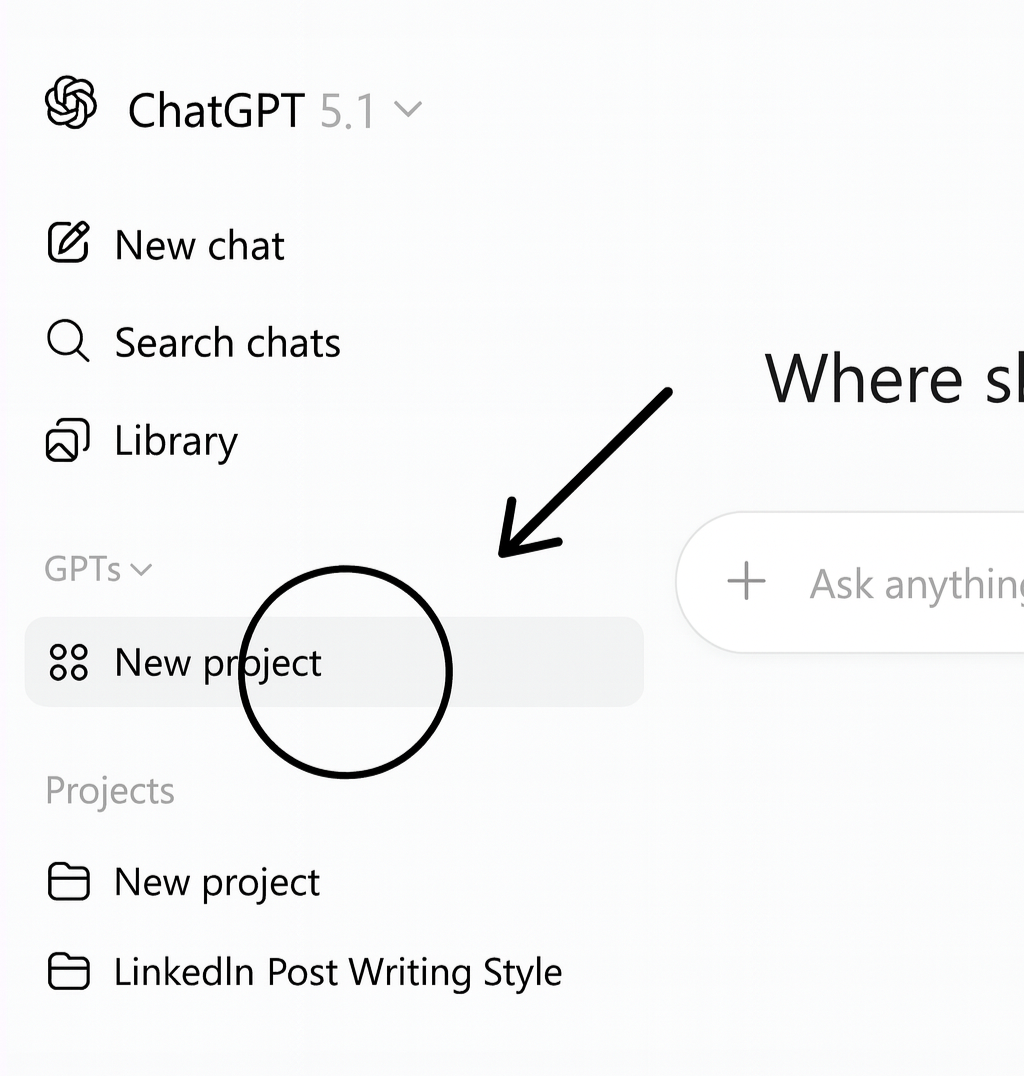
Most writers struggle with one problem: keeping their writing voice consistent. One day your tone feels sharp, the next day it feels dull.
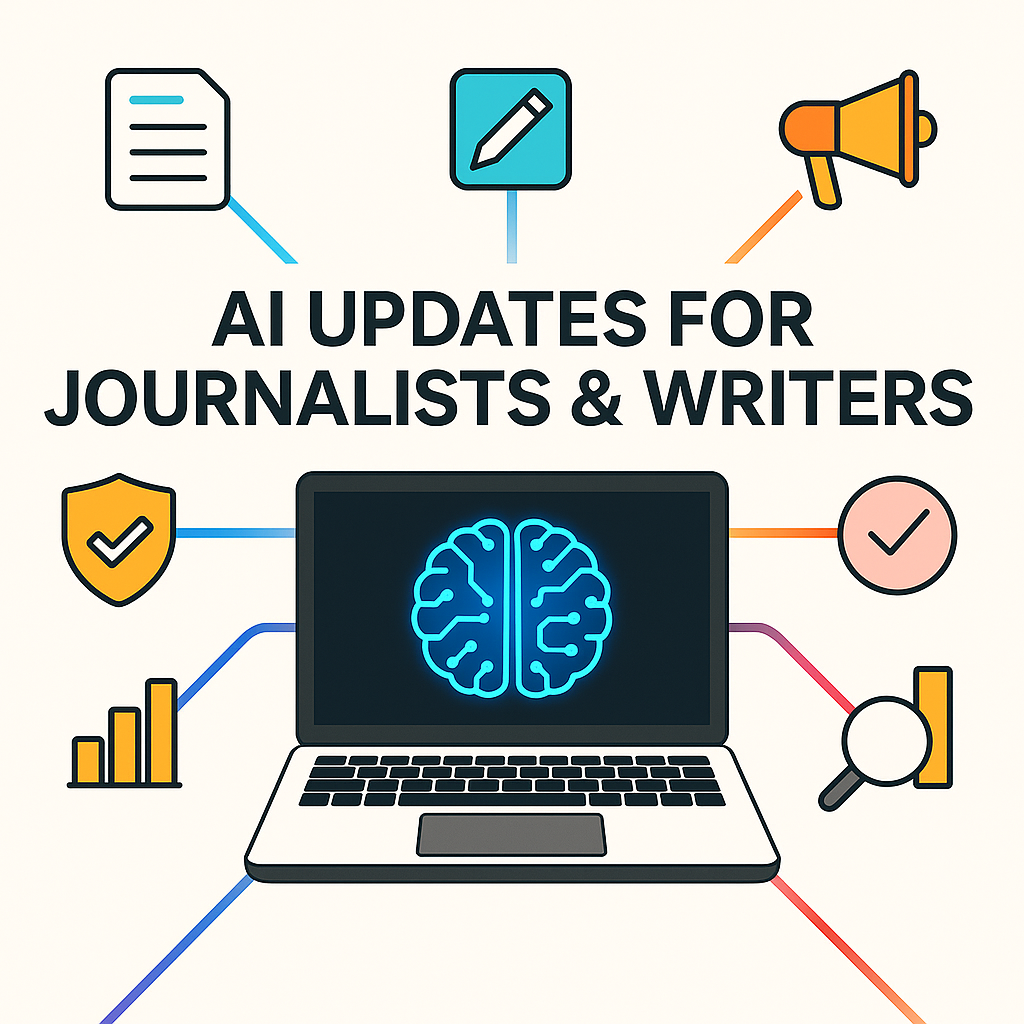
Research and information discoveryTools like Google's Pinpoint use AI to quickly search through large volumes of documents, emails, audio, and scanned files to uncover stories buried deep in data.
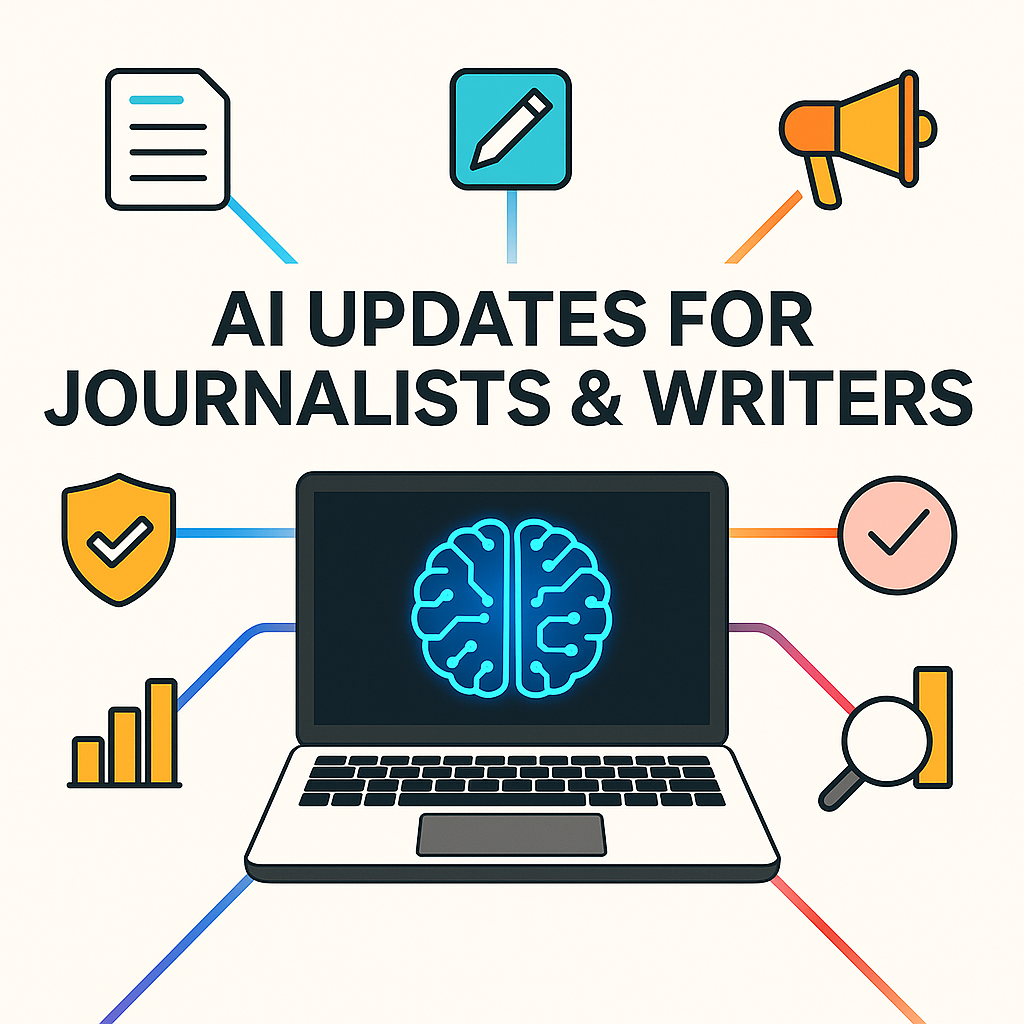
➡️ Use AI search + summarizers (Perplexity, NotebookLM, Pinpoint) to scan: • Reports • Court records • Election data • RTI replies
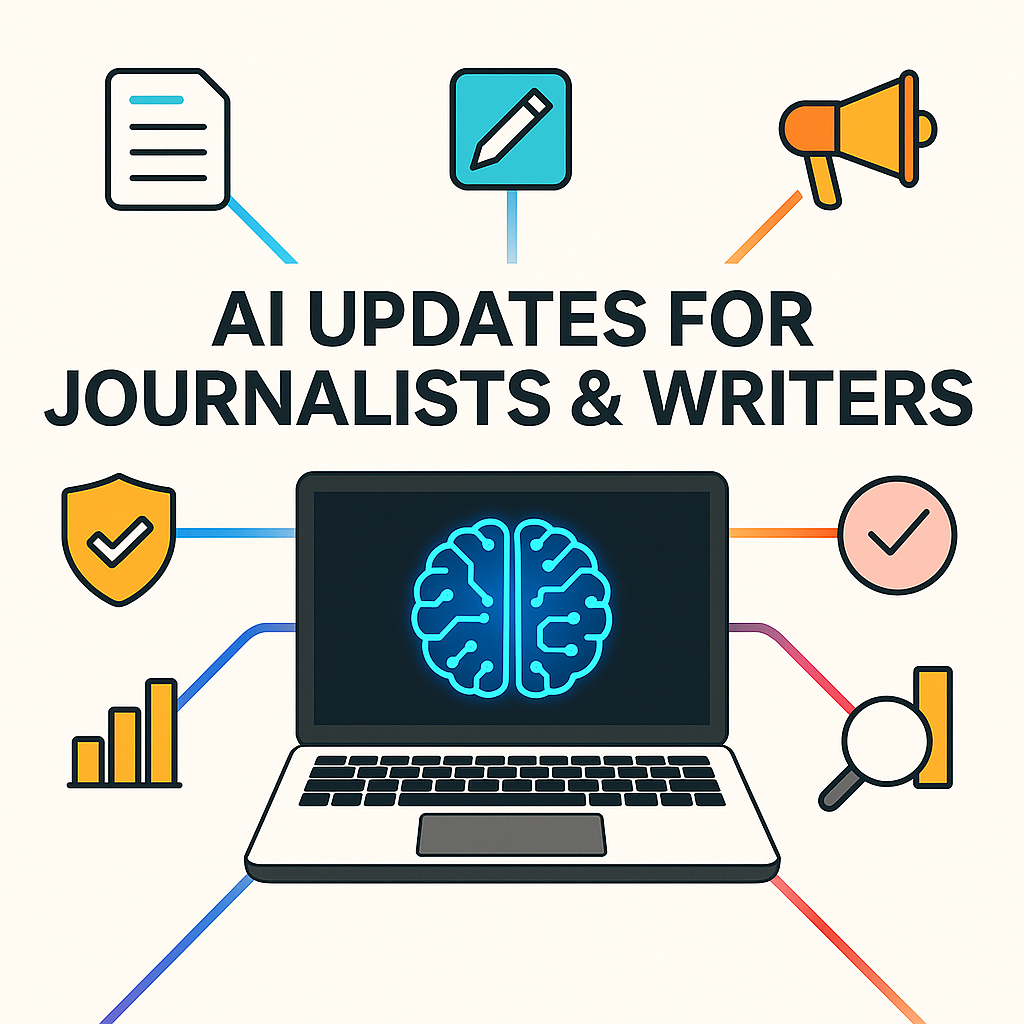
AI isn’t here to replace journalists, it’s here to make their work smarter, faster, and sharper.
Imagine finishing your report before deadline, fact-checking in seconds, and reaching readers in any language, all without extra help.

We all love free stuff, right? Well, LMArena.ai is completely free, so there’s really no reason not to give it a try.

Journalists, writers, and content creators often search for tools to make their daily work faster, easier, and more productive.

There are tons of YouTube channels out there that can help you get better at writing, editing, and reporting.
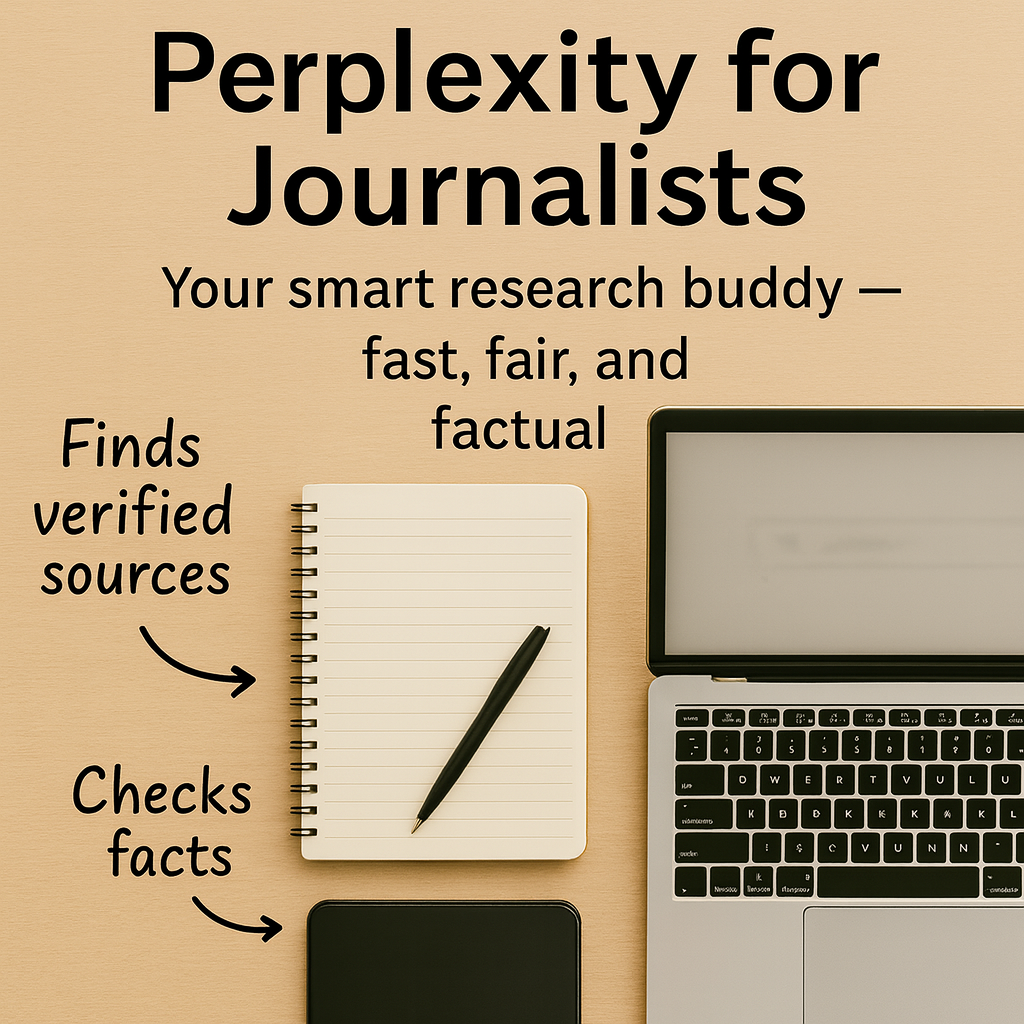
These days, it’s very common for journalists to use AI tools in their work. Still, many of us don’t talk about it openly.

Storytelling today is not just about words on a page, it’s about mixing text, sound, and visuals into one big experience.
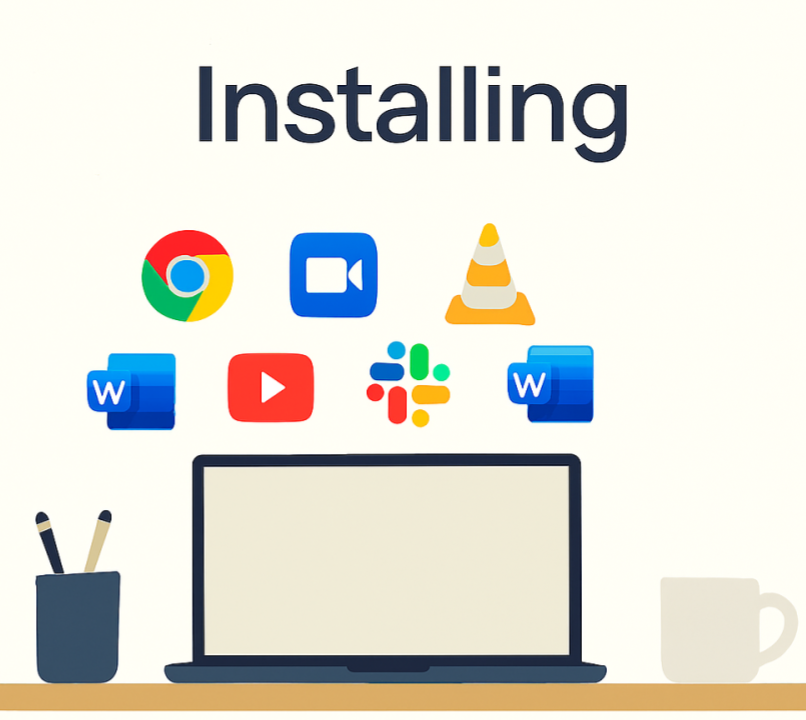
As journalists and writers, we often need a bunch of different apps on our computers for different tasks.
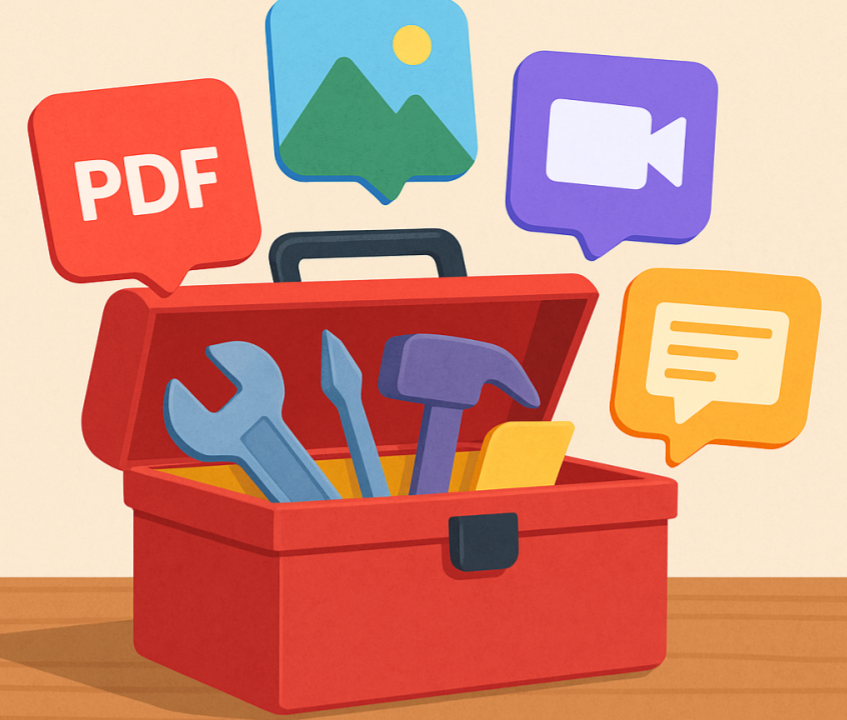
When you work on a computer or phone, sometimes you need small tools. Maybe you want to change a Word file into a PDF.
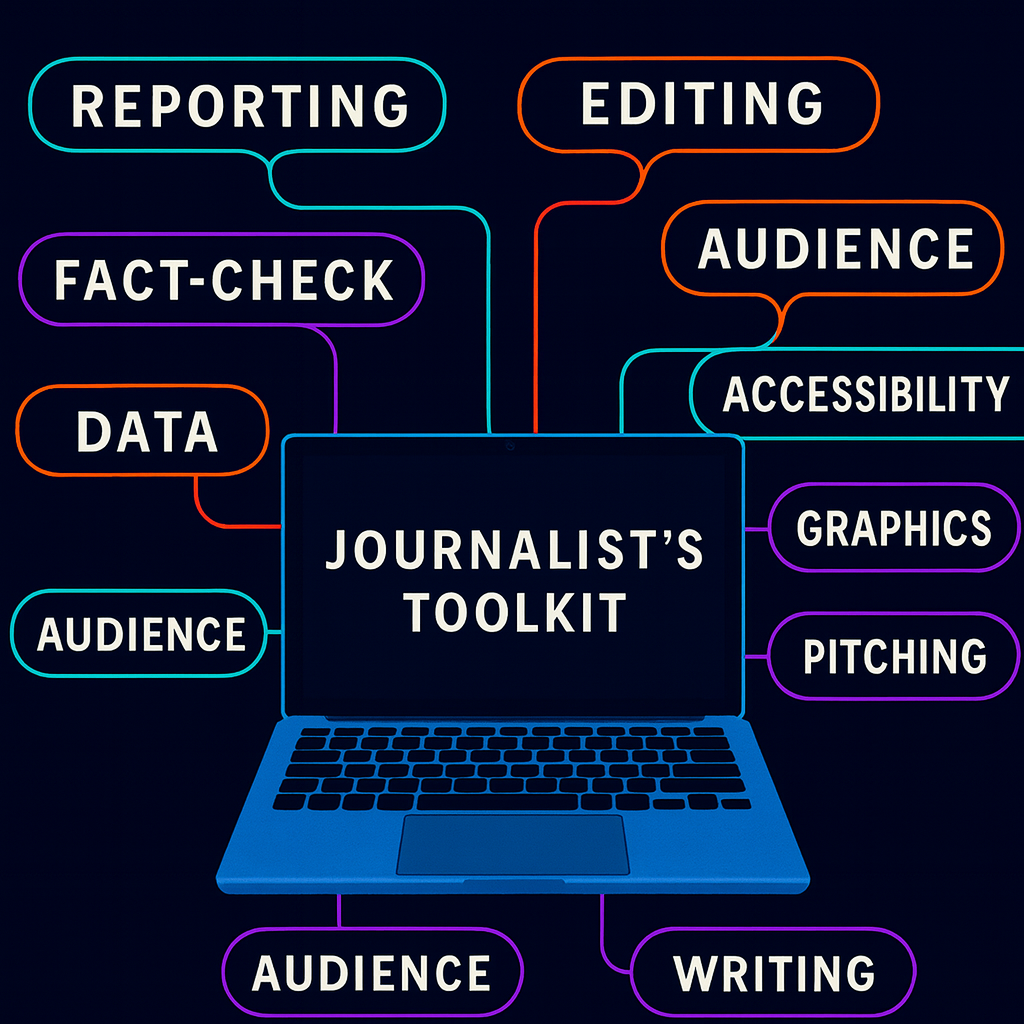
I have pulled together 10 real custom GPTs (OpenAI/GPT Store entries) that journalists and writers can use right now for their daily tasks.
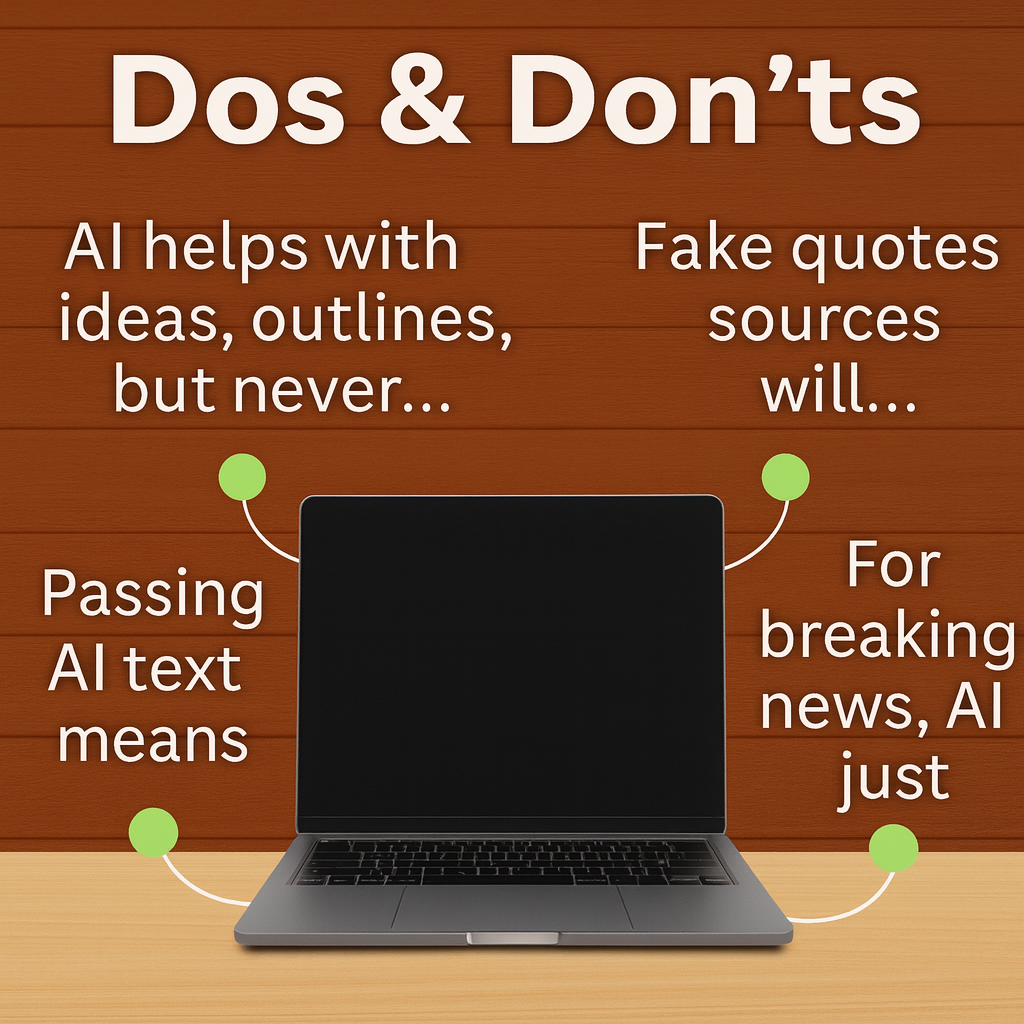
As a journalist, I always like to dig deeper into any story, and I am sure you all do the same.
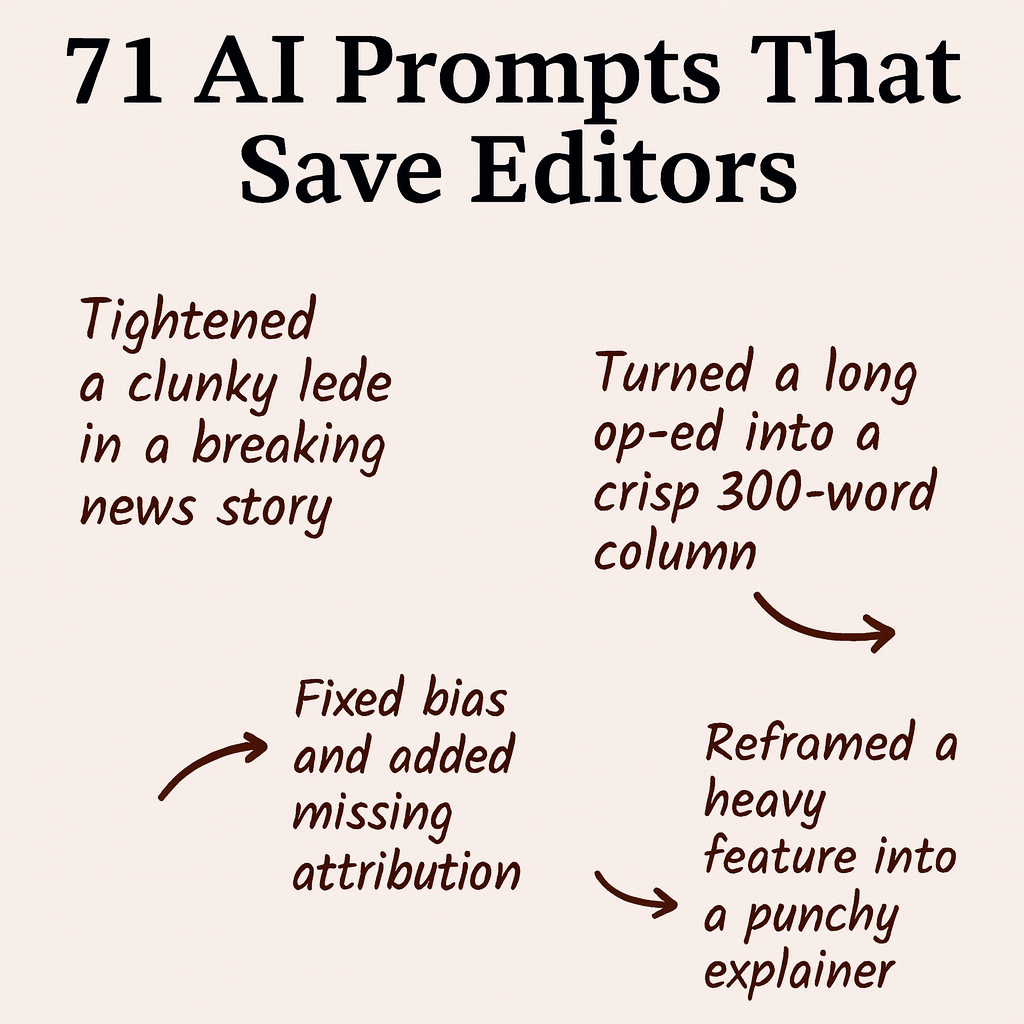
The following AI prompts can be super helpful if you can handle them with caution.
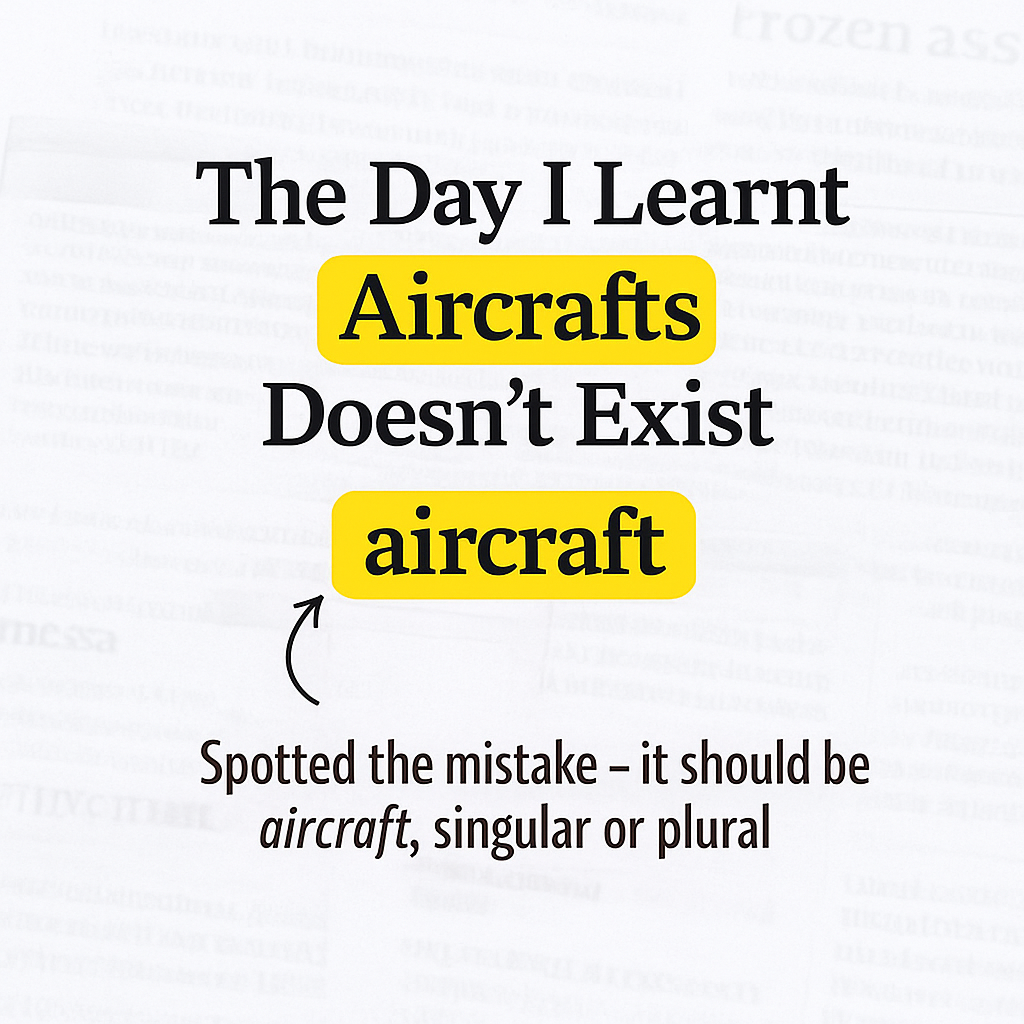
One day at work, one of my senior editors called out to me: “Surajit, wait a minute. Did you handle the International page yesterday?”
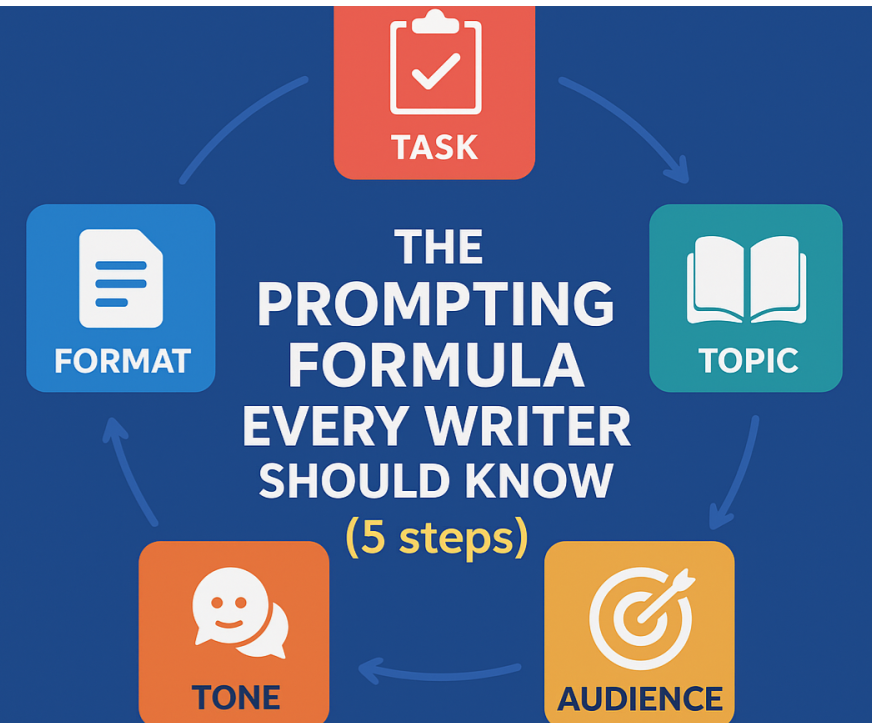
When you first tried using AI to write, it probably felt like magic. You typed a simple line, and it generated a decent-looking draft.
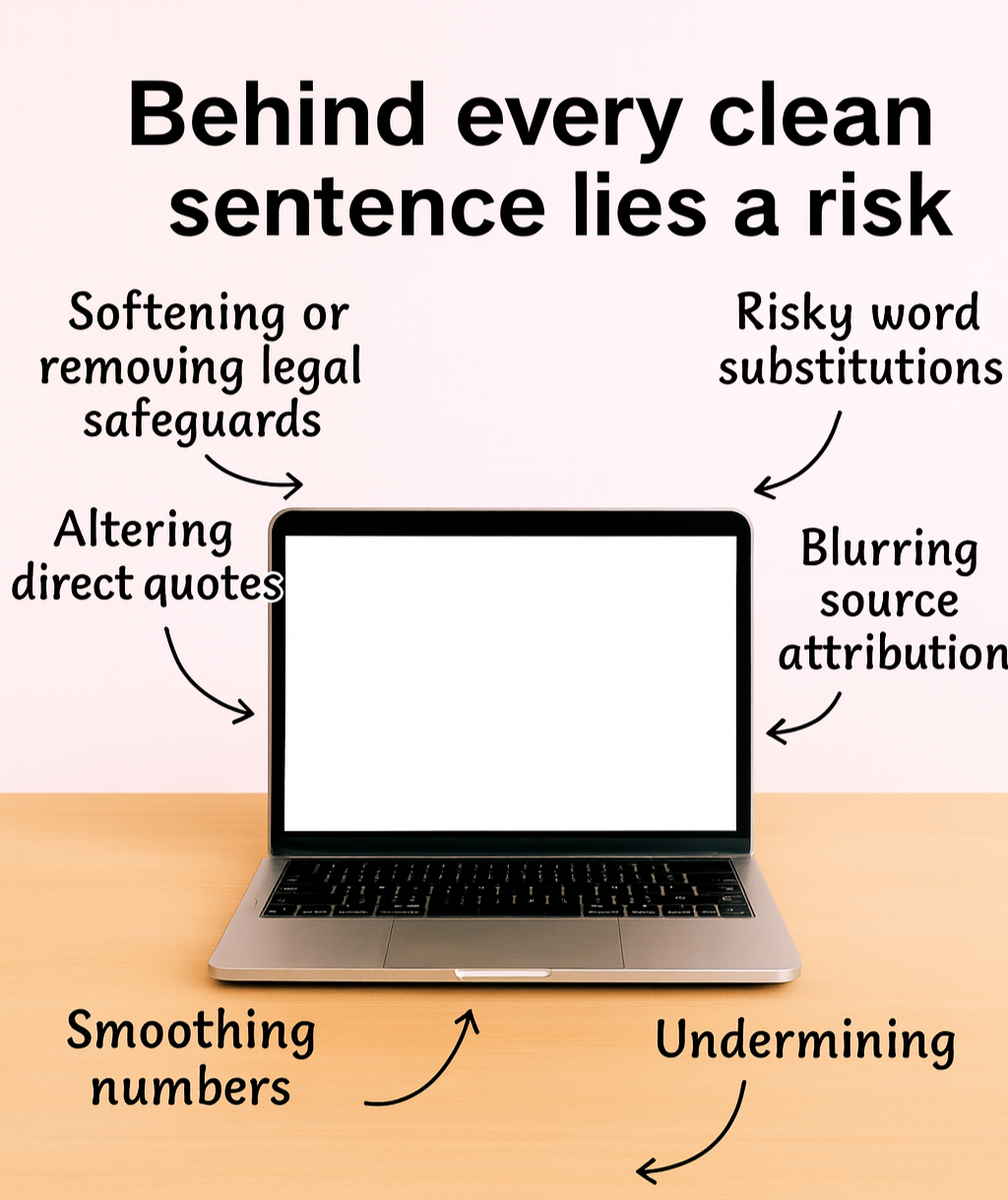
I like Grammarly and I am sure you also do the same when polishing your copies.
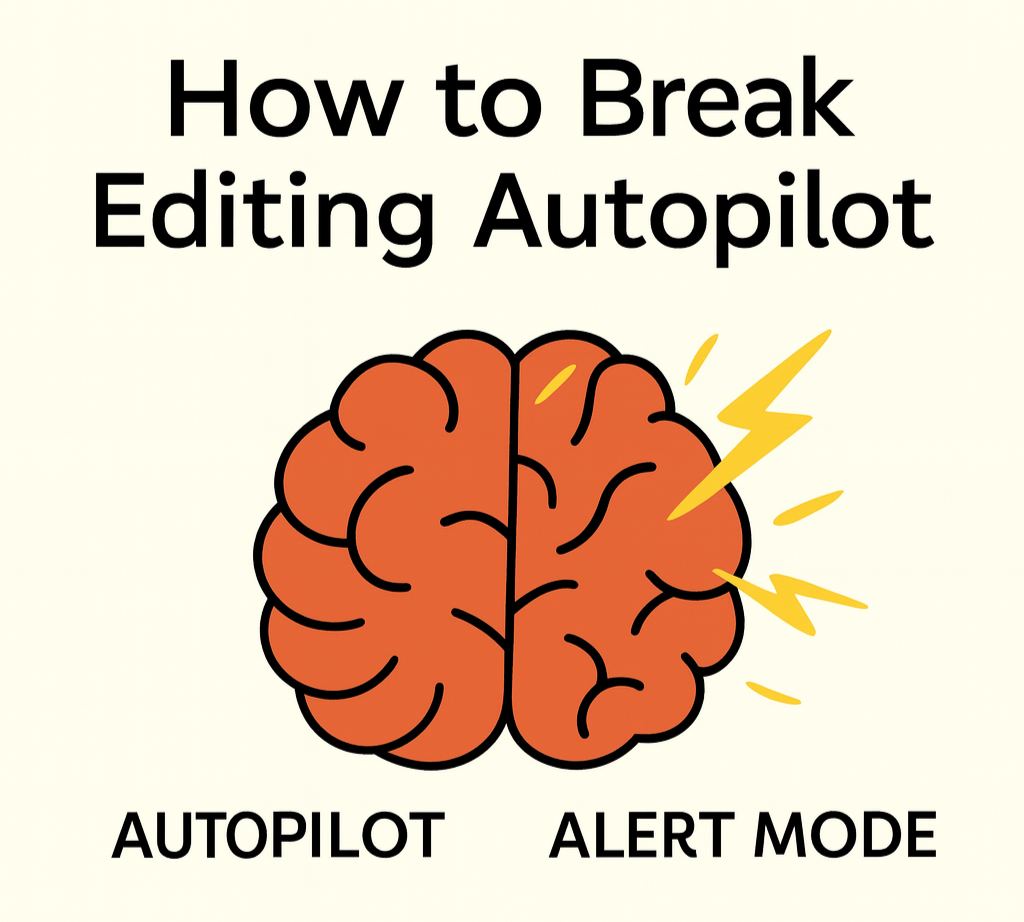
I do want to share a copy editing technique that’s been my little secret for years, and it might just become your most useful habit.